Live Events
Scan one QR code and a room of listeners becomes a room of practitioners in seconds.
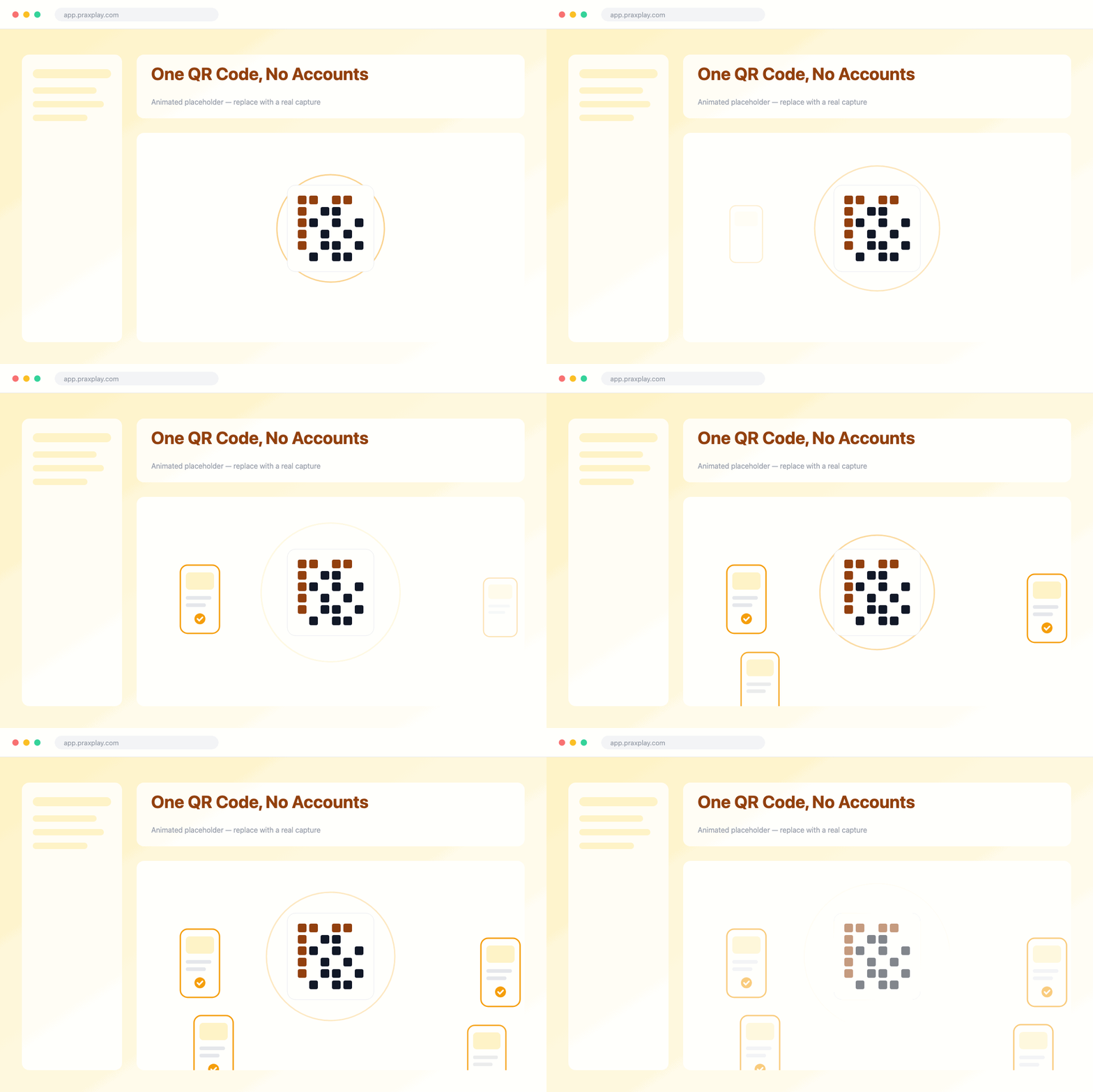
One QR Code, No Accounts
Pin a client and session template, and Praxplay turns them into a QR code for your slide. Your audience scans and joins instantly in the browser — no accounts, no installs, no logins.
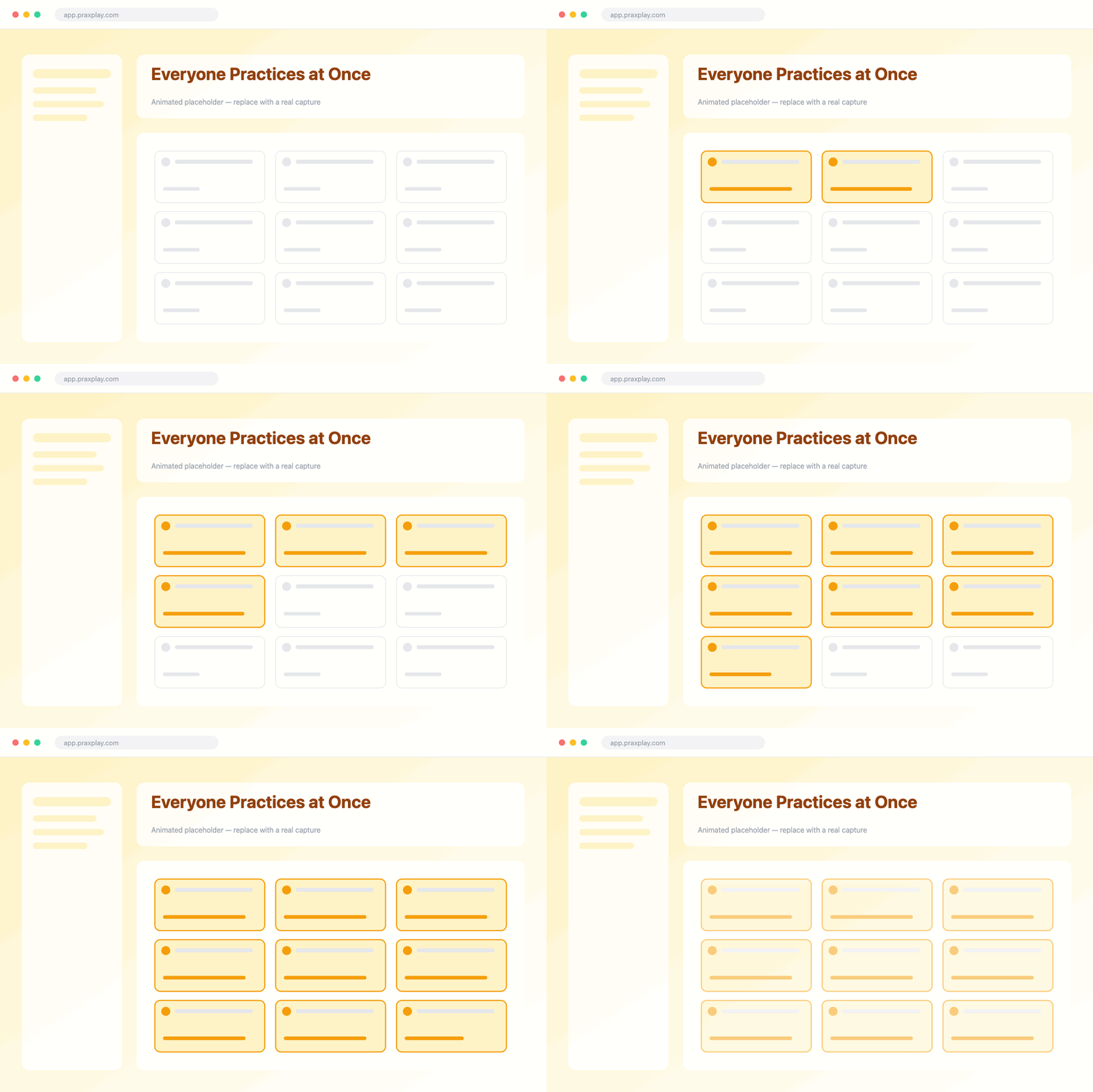
Everyone Practices at Once
Instead of watching one volunteer role-play at the front, every attendee runs their own live conversation with the pinned client on their own device — so the whole room gets reps simultaneously.
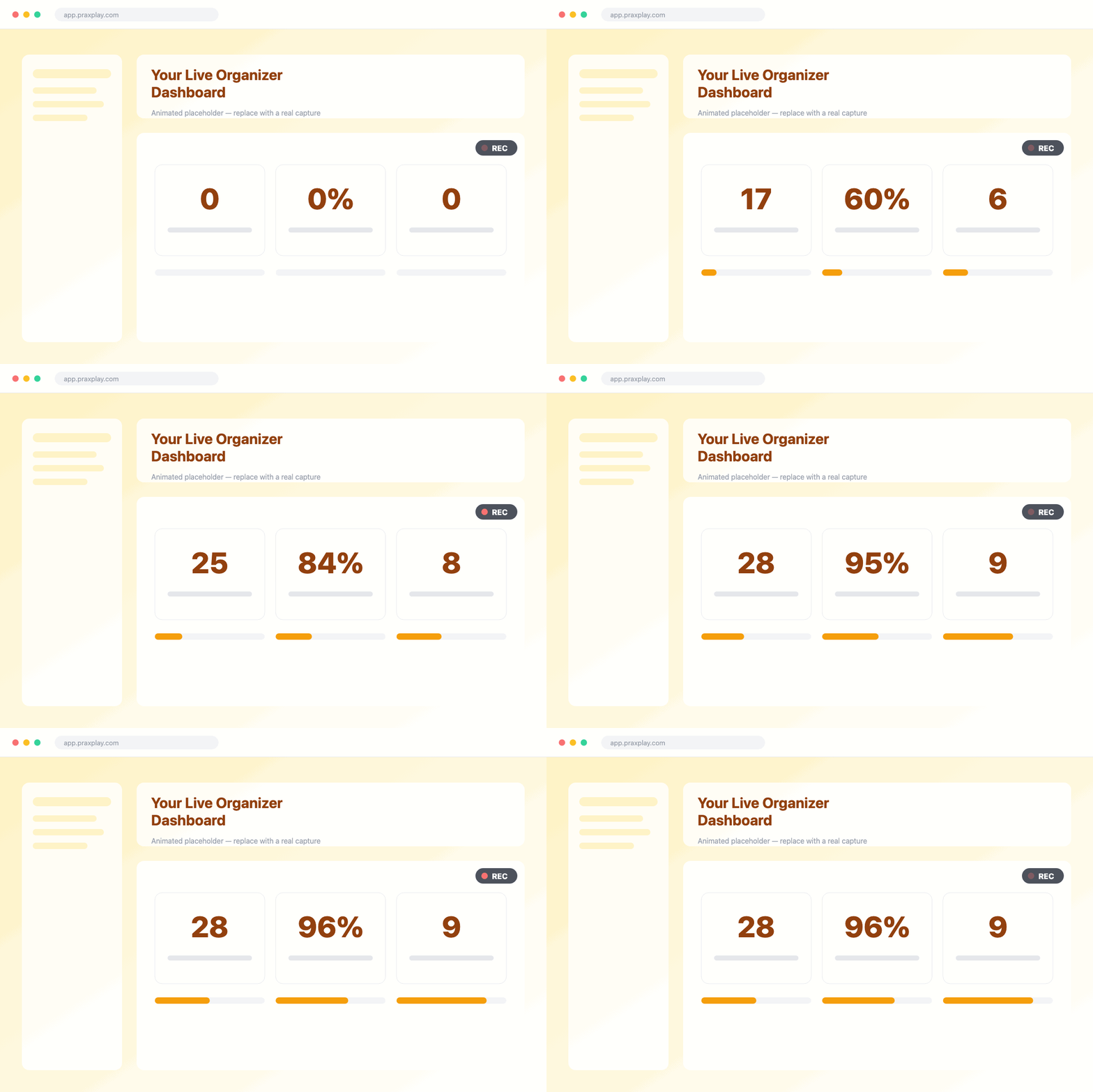
Your Live Organizer Dashboard
As the room practices, your organizer dashboard fills in live — watch participants join and follow their activity. When sessions wrap, each conversation comes with its own report to pull up and discuss.
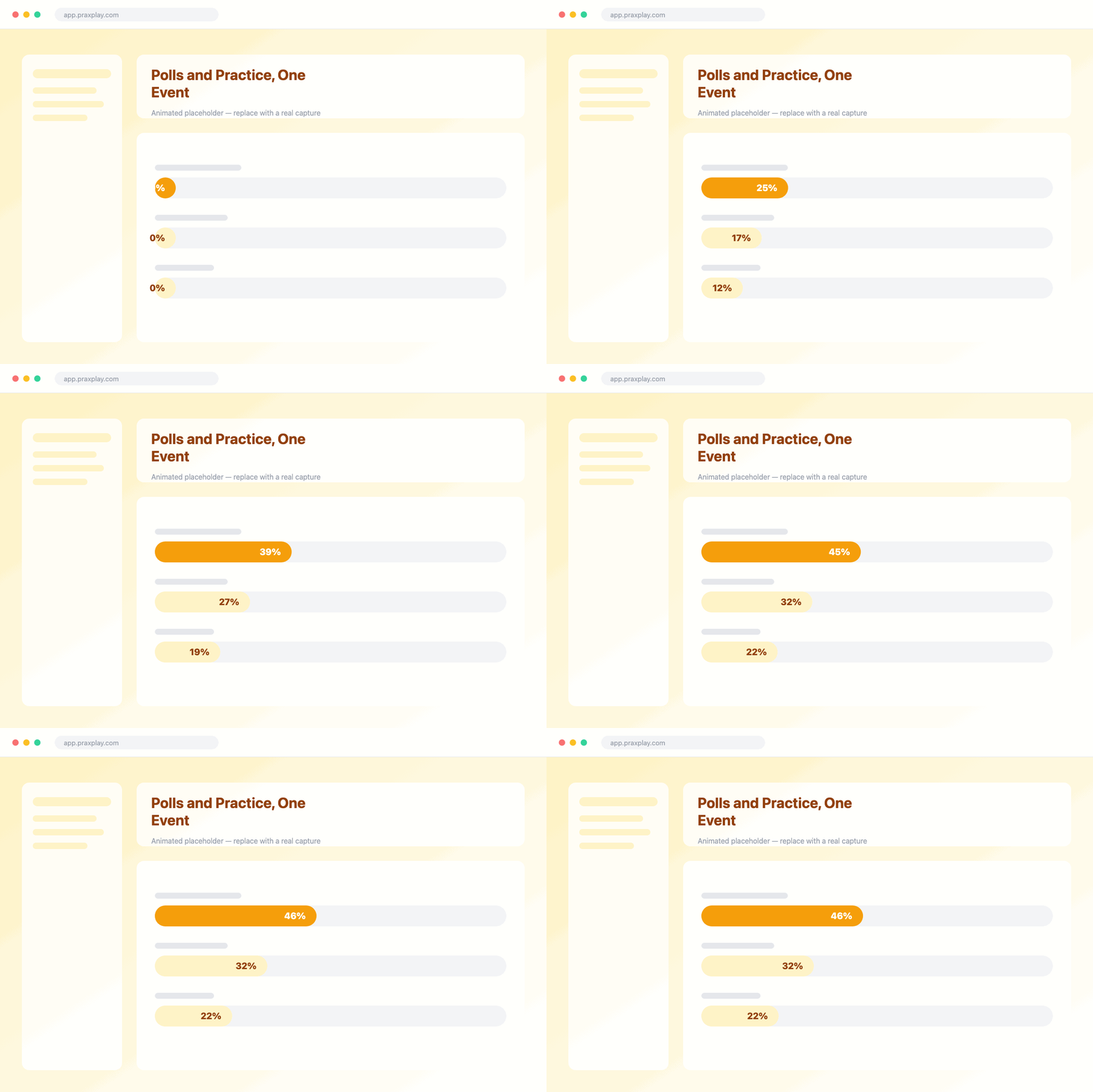
Polls and Practice, One Event
Write a poll question and your audience votes by QR code, with results on a live dashboard. Praxplay groups conferences and polls under one event, so a talk moves between practice and polling.
Tips & Tricks
Get more from live events
Pin It Ahead
Choose your client and session template before you present.
Mix Practice and Polls
Move between hands-on sessions and live polls in one event.
Works Anywhere
Run it at talks, workshops, trainings, and classrooms.
Review Reports After
Debrief with each participant's session report once the event ends.
Frequently asked questions
Explore more features
Bring Live Practice to Your Next Room
Set up your first conference session or live poll today — free to try.