Practice Sessions
Practice real clinical conversations by text, voice, or video — as many times as you need, anytime.
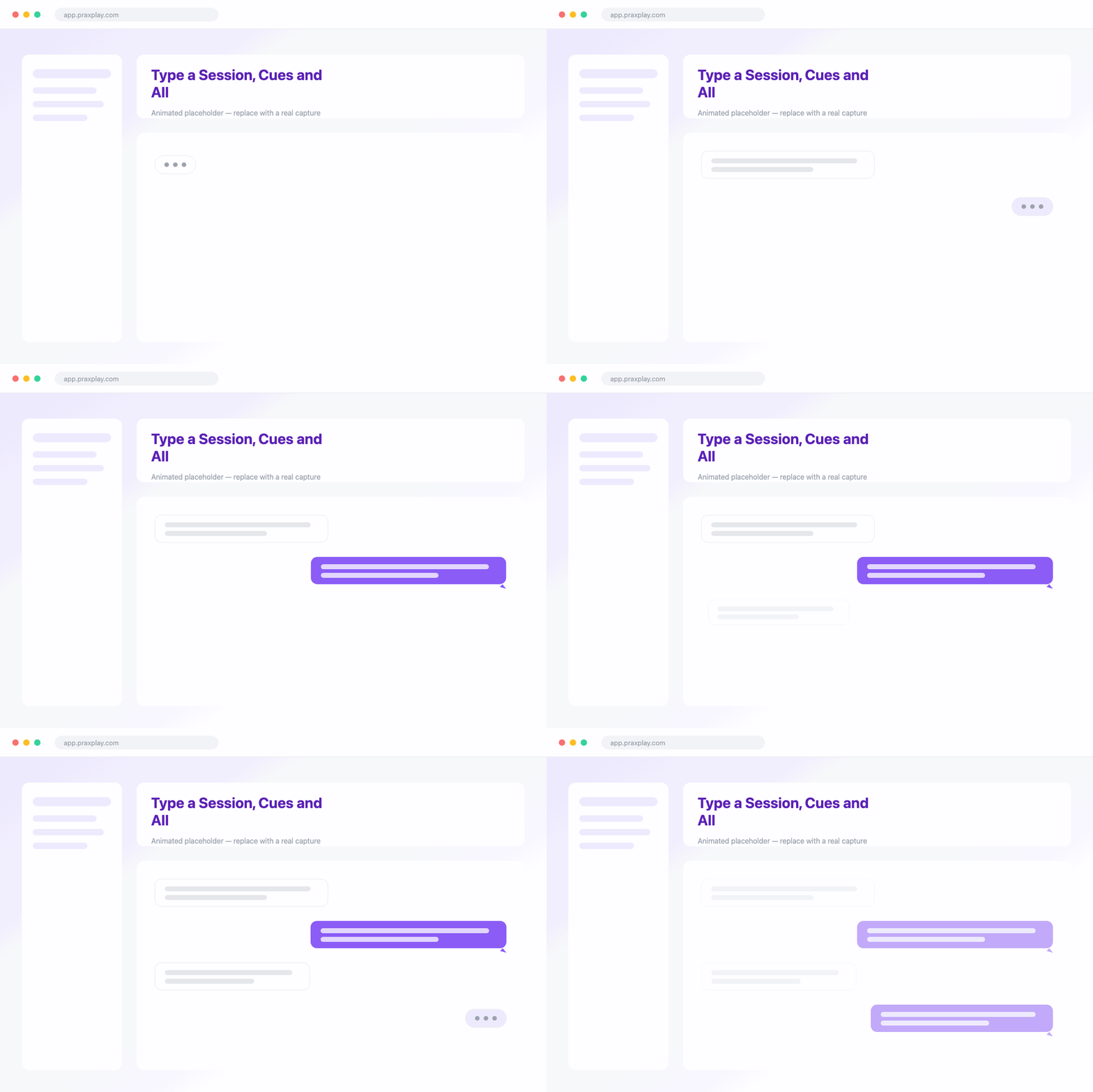
Type a Session, Cues and All
In a text session you practice the conversation by chat. The AI client responds fully in character, and you can add non-verbal cues alongside your words. Every session saves a complete transcript.
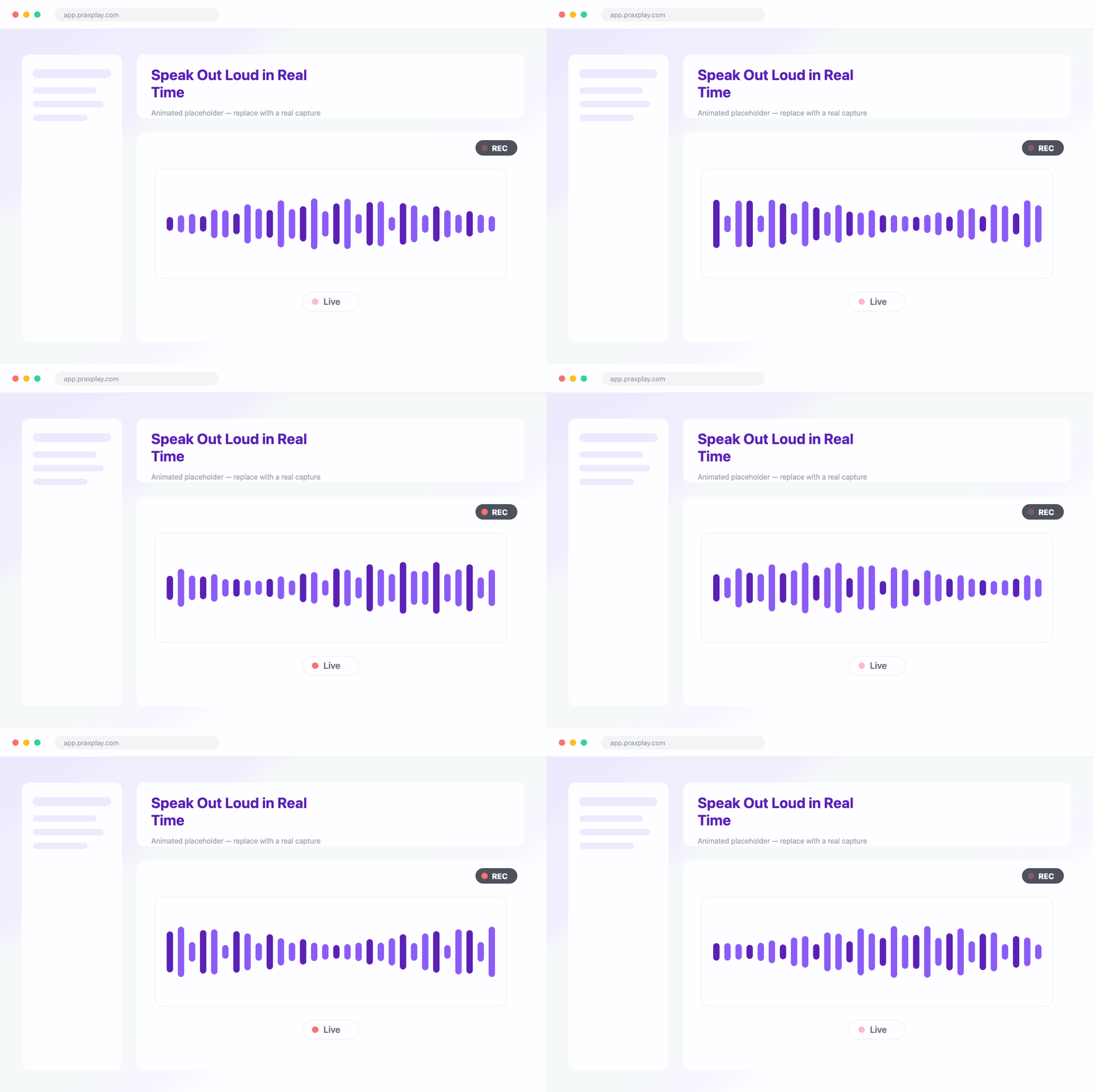
Speak Out Loud in Real Time
Switch to a voice session and talk with your client out loud in real time. Every client has a matched voice, so you practice tone, pacing, and silence — then get a report afterward.
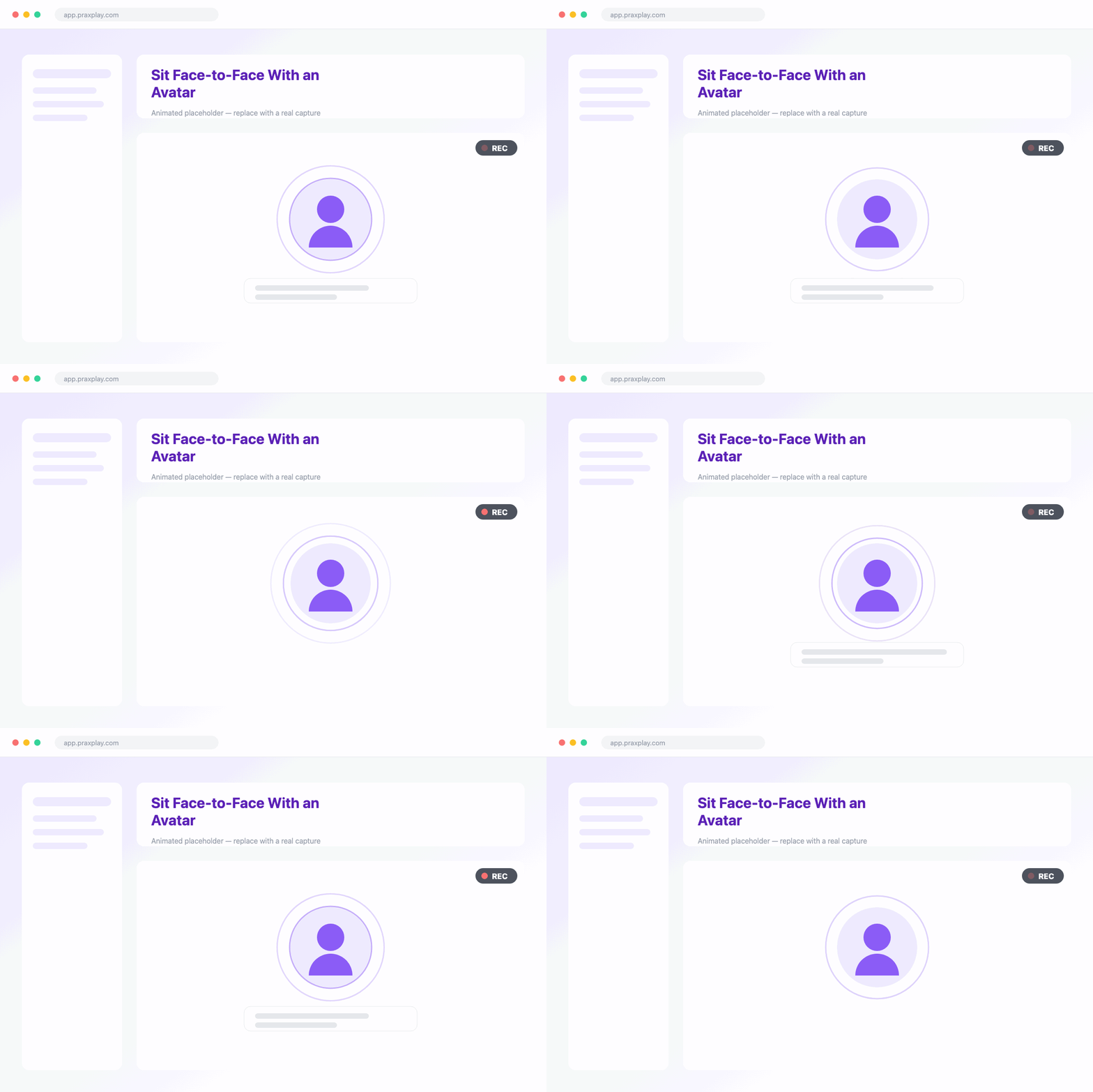
Sit Face-to-Face With an Avatar
Choose a video session to meet your client face-to-face. Each client is paired with a lifelike avatar matched to their demographics, so you practice body language, eye contact, and presence in the room.
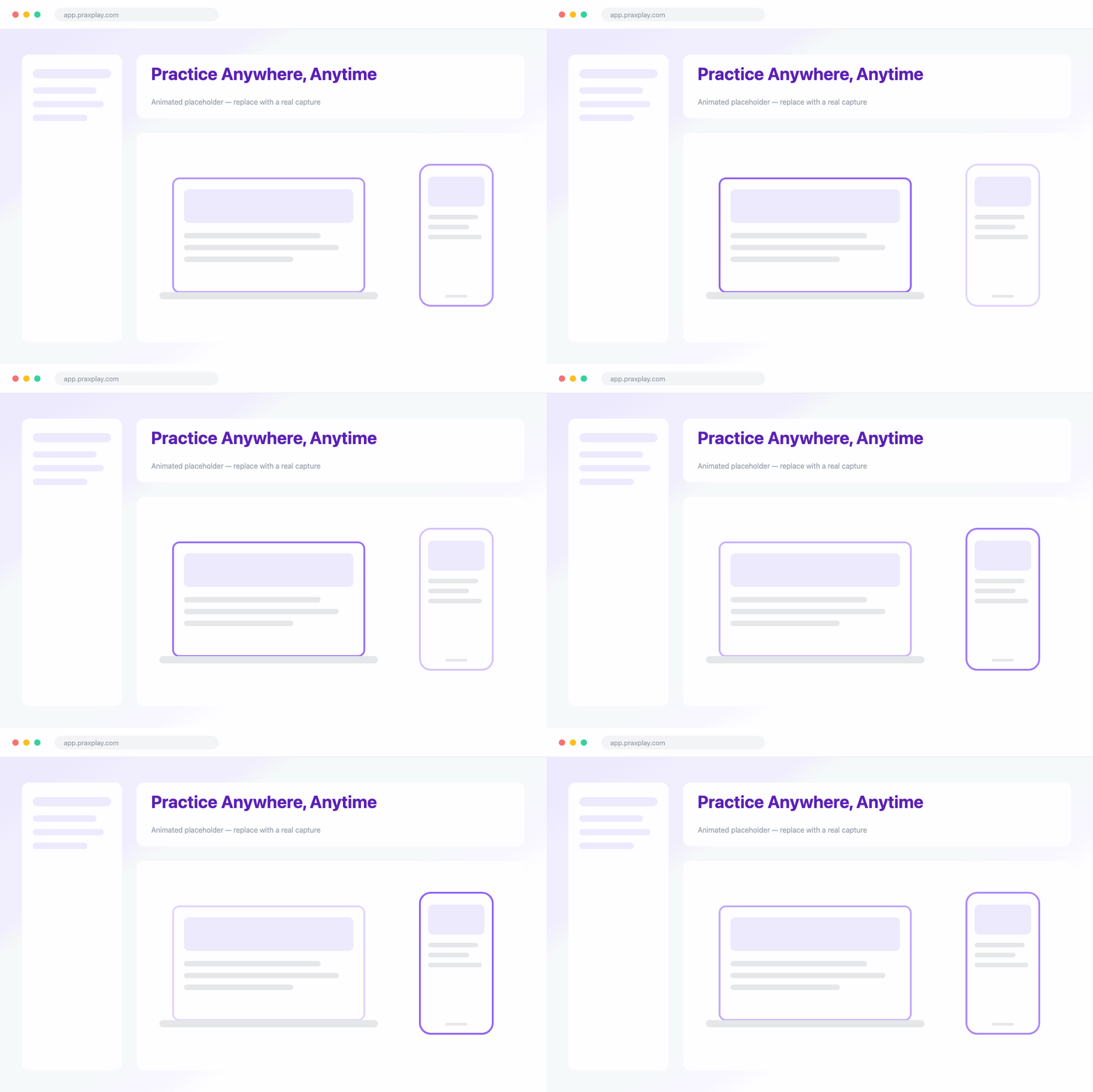
Practice Anywhere, Anytime
Run a session in your browser or on your phone whenever it suits you, with no partner to schedule and no cap on repetitions. Practice solo, or complete a session as a course assignment.
Tips & Tricks
Get more from practice sessions
Switch Modes Anytime
Move between text, voice, and video with the same client.
Reread Transcripts
Every text session is saved with a complete transcript.
Attach to Assignments
Complete a session as free practice or a course assignment.
Replay the Same Client
Practice the same client and moment as many times as needed.
Frequently asked questions
Explore more features
Run Your First Practice Session Today
Start a text, voice, or video session with an AI client — free to try.