Courses & Assignments
Build a course, enroll students, and assign multi-step practice with AI clients — every session observable and reviewable.
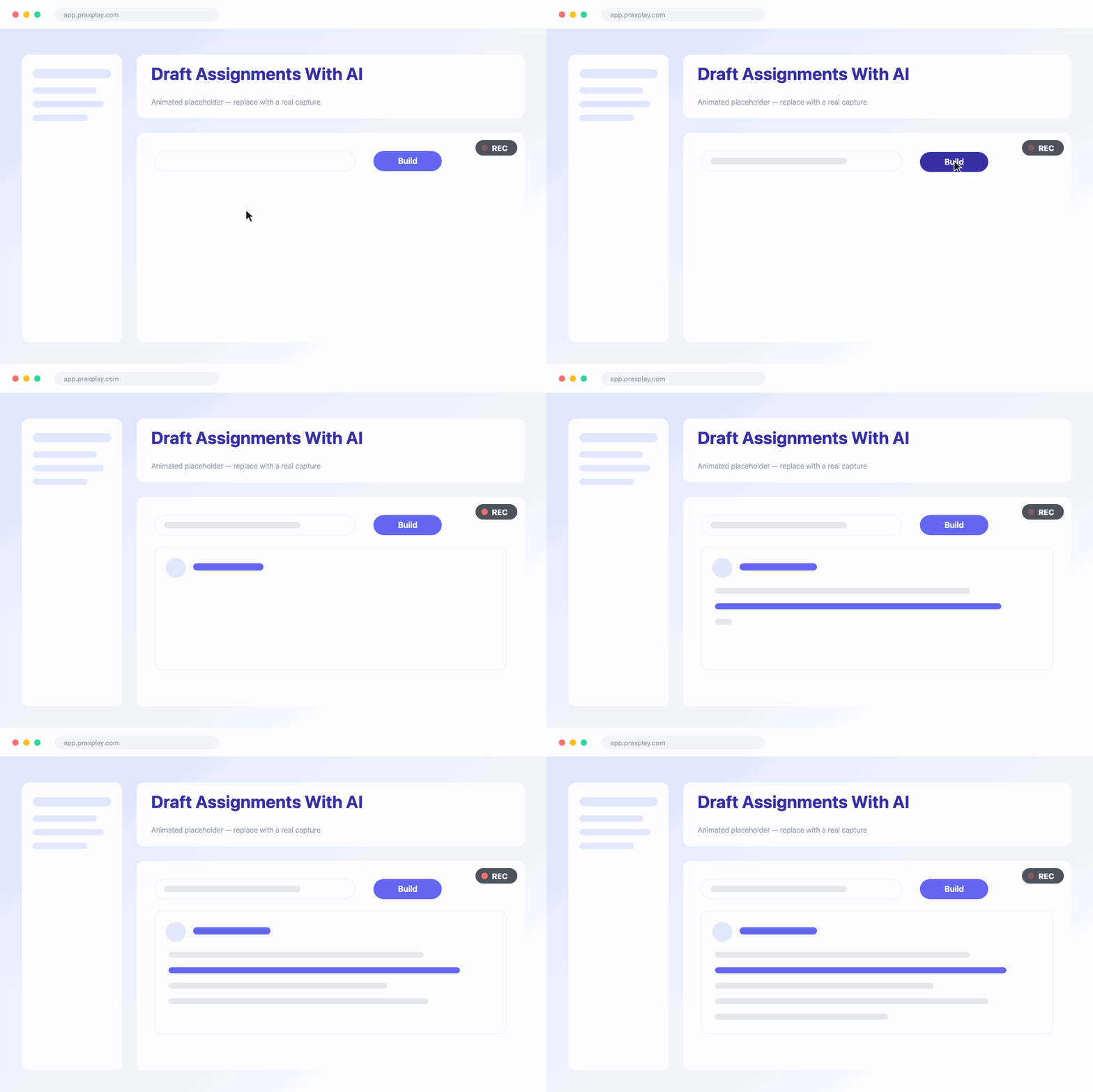
Draft Assignments With AI
Start from a sentence. Describe the practice you have in mind, and Praxplay's AI assignment builder pre-fills the whole assignment — goals, learning objectives, and a tailored persona brief. Edit anything before you publish.
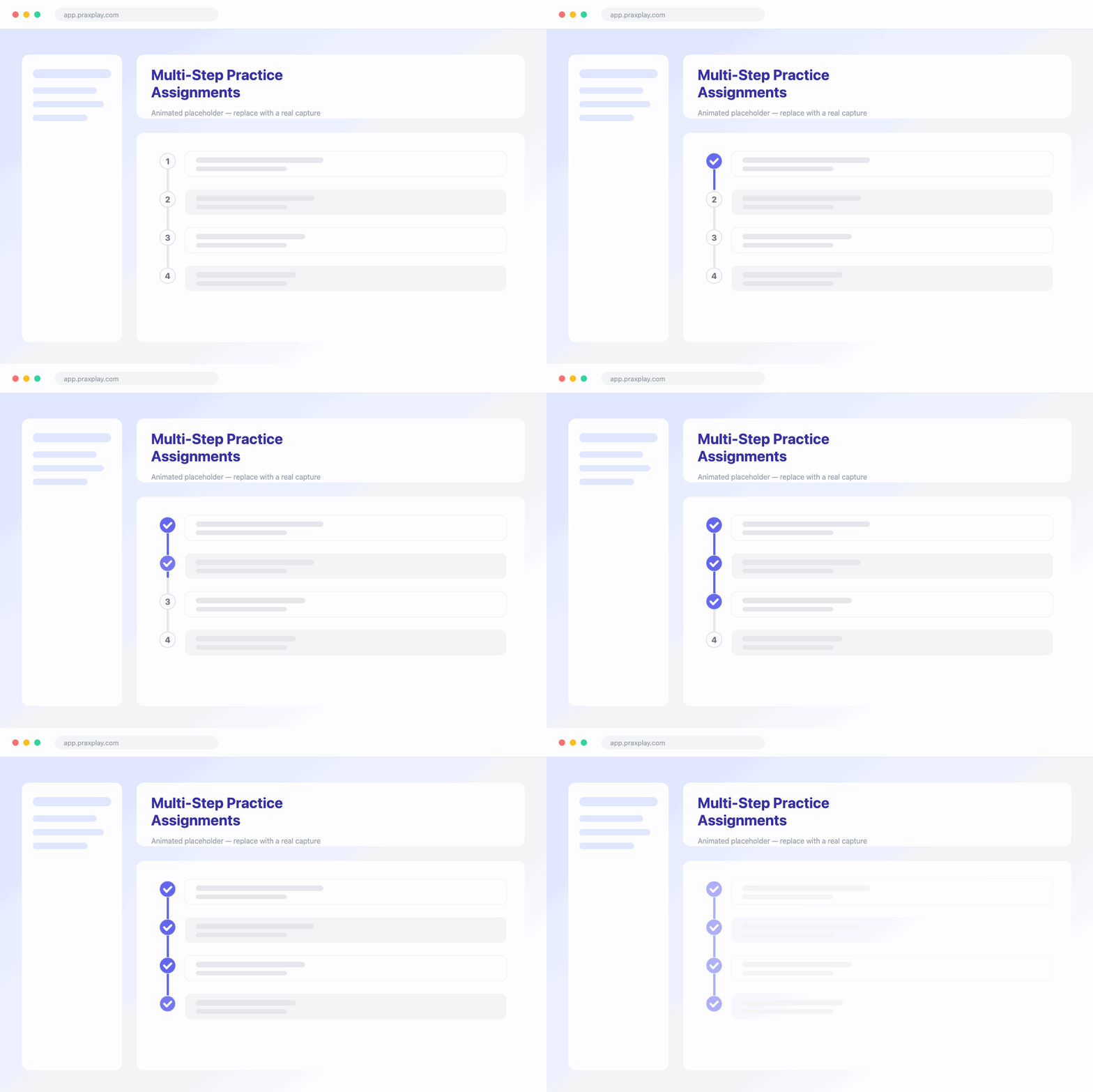
Multi-Step Practice Assignments
Each assignment sequences conversation steps — live sessions with a chosen AI client — and written reflections. Add goals, objectives, due dates, and priorities, then auto-assign every new student the moment they enroll.
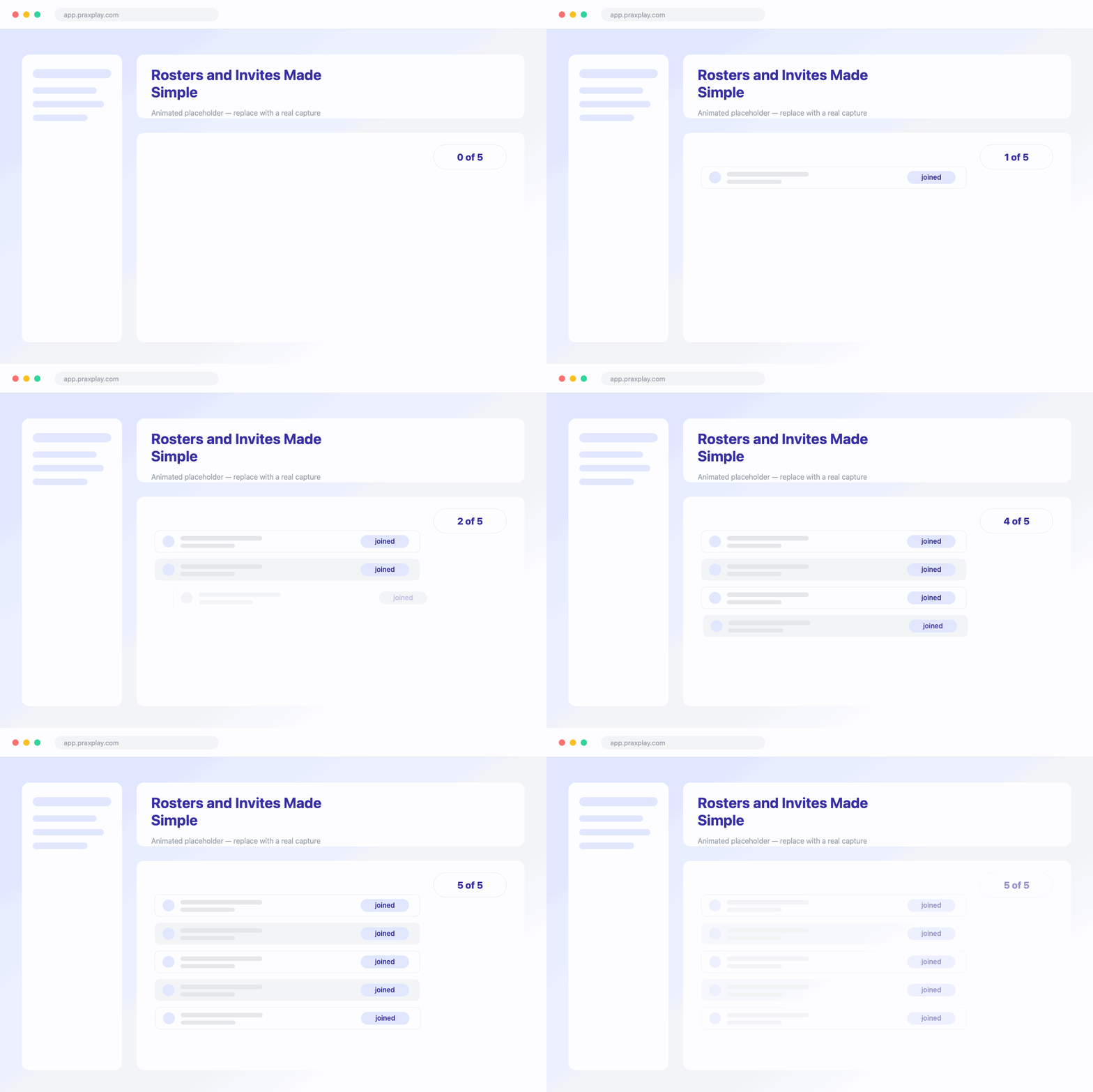
Rosters and Invites Made Simple
Bring students in within seconds: share a join link or code, or send tracked email invitations and see exactly who has accepted. Your roster shows who's enrolled at a glance.
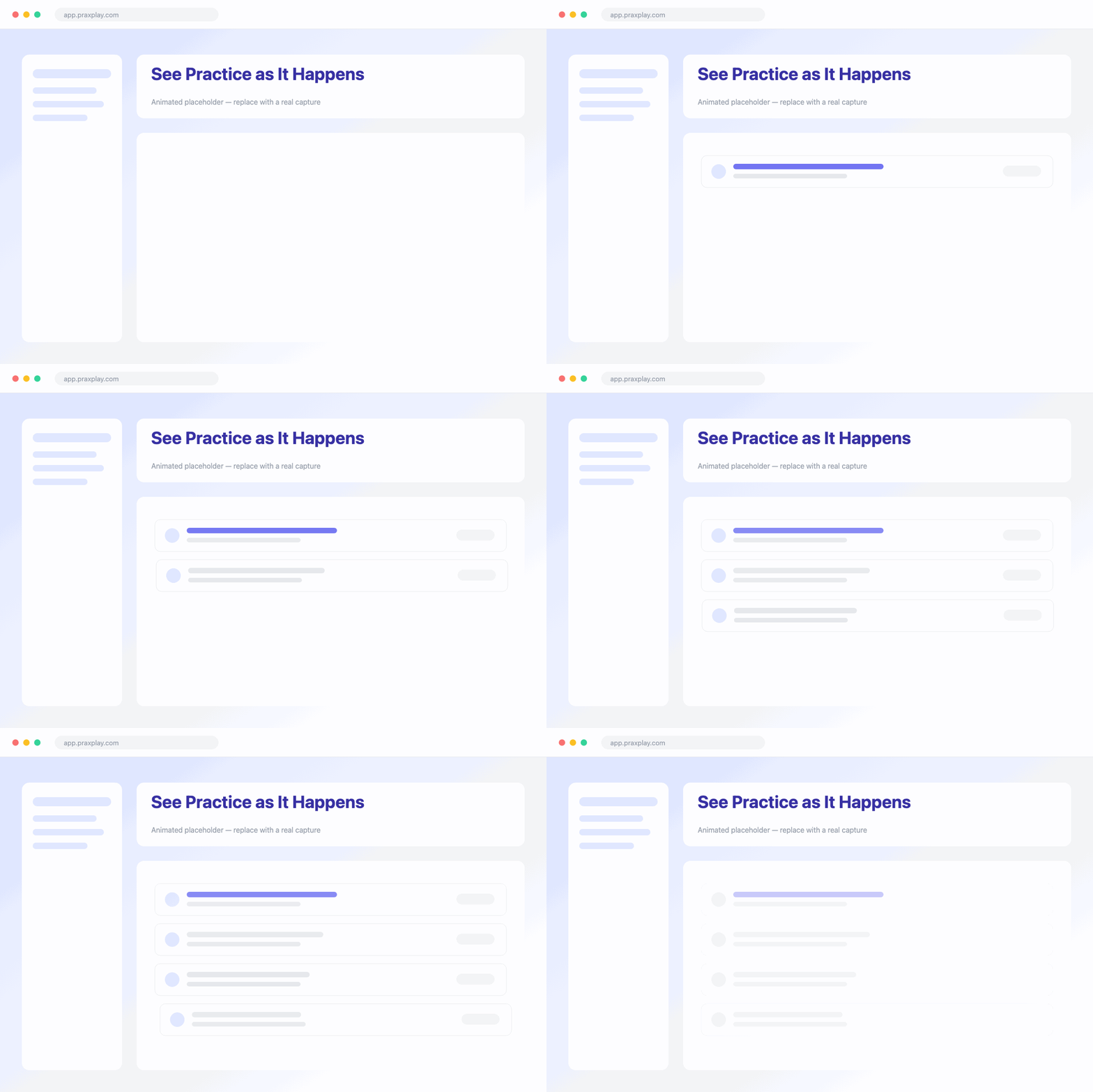
See Practice as It Happens
A per-course activity feed surfaces student sessions and completions as they happen, so you always know where the class stands — no chasing updates, no wondering who has fallen behind.
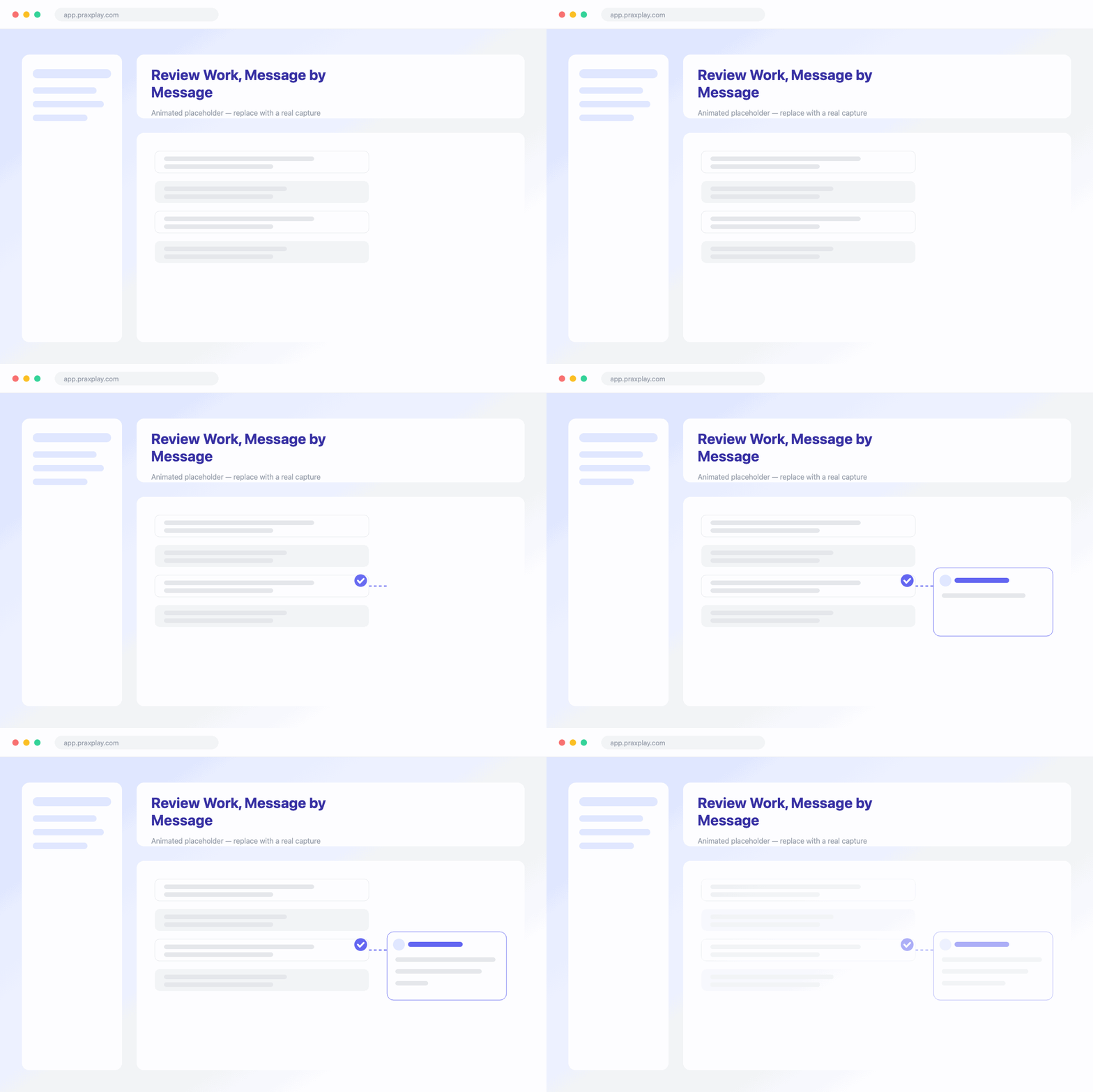
Review Work, Message by Message
Open any submitted session to read the full transcript and leave comments on individual messages — feedback that lands on the exact moment it matters, backed by each session's rubric-scored AI report.
Tips & Tricks
Get more from courses
Auto-Assign New Students
New enrollees receive auto-assigned tasks the moment they join.
Upload Course Resources
Share ordered readings, handouts, and rubrics students can download anytime.
Drafts Save Automatically
Students save written reflection drafts as they work through steps.
Link or Code Invites
Share a join link or code, or send tracked email invites.
Frequently asked questions
Explore more features
AI Virtual Clients
Simulated clients your assignments are built around.
AI Feedback & Reports
Rubric-scored reports every student session generates.
Set Up Your First Course in Minutes
Start a free trial to build a course and let AI draft your first assignment.